
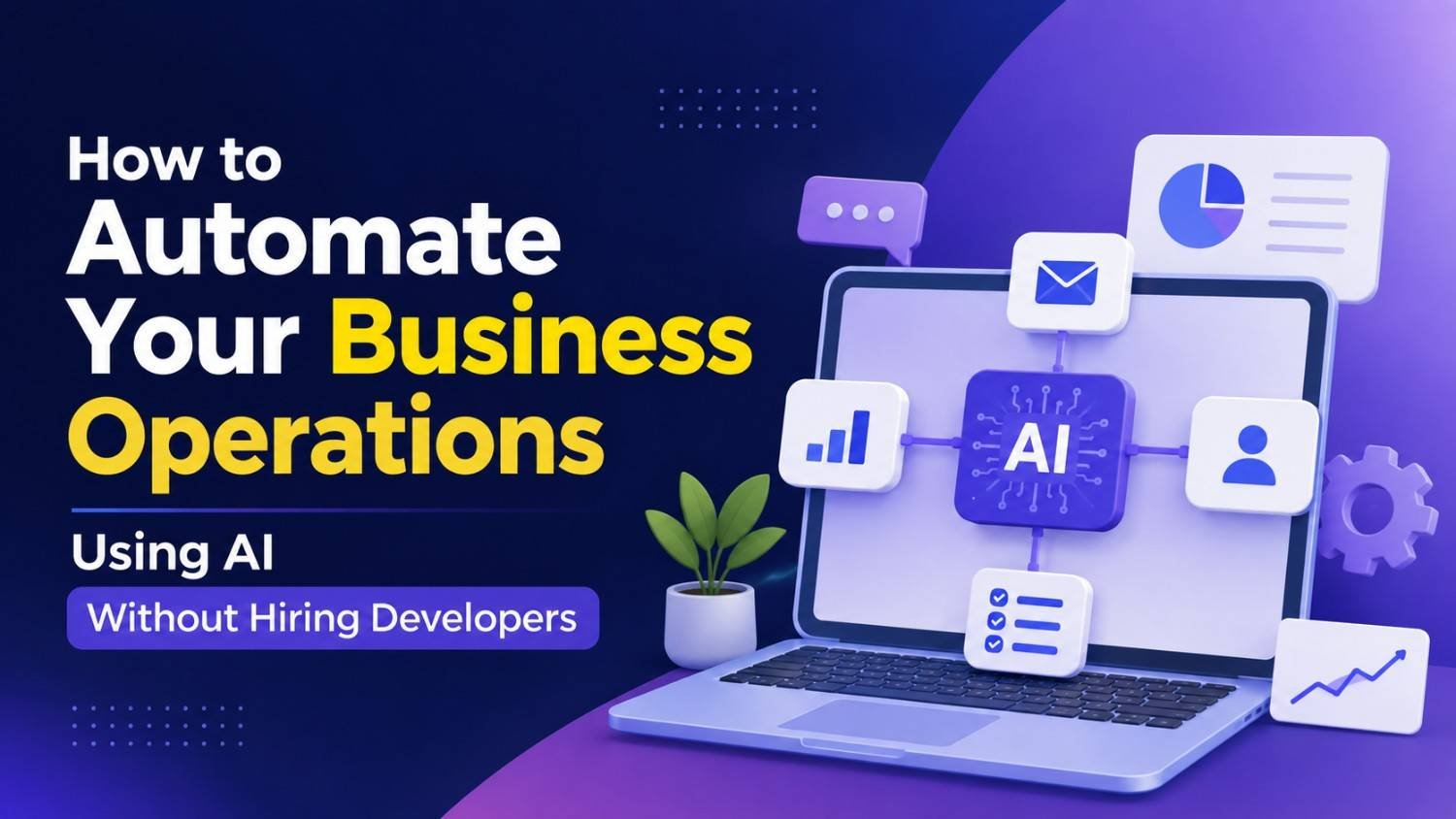
Running a business now is, honestly, more than just selling products or delivering services. Business owners end up spending hour after hour fielding customer questions, sorting through emails, putting together reports, scheduling appointments, updating spreadsheets, processing invoices, and then dealing with those same admin routines over and over. When a company starts growing, these manual processes take up a lot of time, they raise day to day operating costs ,and somehow still leave very little space for real innovation or actual customer engagement. A lot of businesses also think automation only happens when they hire an expensive development crew, or when they build a custom application from scratch, so they keep postponing digital transformation.
Luckily, Artificial Intelligence has shifted the whole situation. Today’s AI-driven no-code platforms let businesses—big or small—automate daily operations without writing a single line of code, and without bringing in professional developers. Whether it’s customer support, marketing automation, accounting, document interpretation, or workflow orchestration, these AI tools are helping automation happen quicker, at lower cost, and with less hassle to launch. In this guide, you’ll see exactly how to automate business operations with AI, which specific tasks usually bring the strongest return on investment, and how to design effective workflows using no-code solutions that boost productivity while keeping implementation straightforward.
Why AI Automation Is Becoming Essential
Lately, businesses are creating more digital work than ever, and it feels like everything is moving faster. Customer expectations keep rising too, the teams are now juggling larger amounts of information , while employees often spend too much time on repetitive administrative chores . That leaves less room for the actual strategic effort, like planning and improving results. AI automation helps by letting software handle those repetitious activities on its own, so people can focus on ideas, judgment, and those important customer relationships. And honestly , even a small business can roll out automation now that used to be something only big enterprises had access to, or even bothered to build.
The Biggest Myth About Business Automation
One of the most common misunderstandings is that automation always means you need programmers, software engineers, or that you must go for costly, custom development. But honestly, todays no-code AI platforms come with visual workflow builders, and they let people link applications, set up triggers, and run business processes using an intuitive interface. In many cases, business owners are able to create practical automations themselves, after only a short learning curve, even if they are not technical.
Where should businesses begin?
Before any automation is put in place, businesses should first spot the processes that eat up lots of time while also staying fairly predictable. These repetitive actions typically bring the quickest return on investment, because automation reduces the manual work right away, and it also boosts consistency, in a way that humans usually can’t match at scale. Instead of trying to automate everything at once, organisations ought to start with one single workflow, then check how it performs and how it behaves in real situations, and from there slowly widen the rollout into other departments.
1. Automate Customer Support Responses
Customer service teams often handle the same questions again and again all day, you know, like on and off. AI powered assistants can reply right away to frequently asked questions, give order updates, set up appointments, and nudge customers toward the right resources. When routine chats are automated , the support group can focus on the tougher customer situations that really need human judgement, while also speeding up response times and raising customer satisfaction.
Examples include:
- Frequently asked questions
- Appointment confirmations
- Order status updates
- Basic troubleshooting
2. Use AI for Email Management
Dealing with huge amounts of emails can quickly turn into something a bit too much, you know. Like it gets overwhelming fast. AI can, kinda automatically categorise incoming messages, also draft replies, prioritise the urgent requests, pull out key details, and organise the whole communication flow without you constantly doing the manual sorting, over and over. For businesses this is a real benefit, because communication moves quicker, and at the same time there’s less chance you accidentally miss an important client conversation. It’s almost like you don’t have to keep everything in your head, or keep rechecking threads.
3. Automate Document Processing
A lot of companies still manually handle invoices, contracts, purchase orders, receipts, and various forms, day after day. But newer AI systems can extract the relevant details from each document, classify the files properly, organise records, validate the data, and then transfer all the information into accounting or CRM systems with very little human involvement. That usually means fewer errors, while also speeding up the administrative workflow, significantly.
4. Simplify Scheduling and Calendar Management
Scheduling meetings can be messy, because it often means bouncing between several emails plus a few calendar checks. AI scheduling assistants can automatically spot open time slots, coordinate across calendars, send the invitations, trigger reminders, and even manage rescheduling when conflicts pop up. The result is a smoother experience for employees and clients too, and it also lowers that annoying administrative workload.
5. Automate Marketing Workflows
Marketing teams usually crank out content, send out newsletters, run campaigns, analyse performance, and keep in touch with people on multiple channels, kind of nonstop. With AI powered marketing automation, it can surface content directions, personalize email sequences, time and queue social media updates, suggest better publishing windows, sort or segment audiences, and then analyse how the campaign actually went. That means businesses can stay in consistent contact, without pushing the workload up and up.
6. Improve Sales Operations
Sales reps end up spending a lot of time updating customer records, logging calls, arranging follow-ups, and babysitting the pipelines, basically. AI automation helps by reducing the manual typing, it can refresh CRM entries automatically, create follow-up nudges, condense what was said in meetings, and flag higher priority opportunities using customer behaviour.
7. Streamline Accounting Processes
Accounting teams deal with repetitive financial routines such as invoice handling, payment tracking, expense classification, and reconciliation. AI helps by sorting financial paperwork, spotting odd or unusual transactions, pairing payments properly, producing reports, and cutting down on admin overhead while also boosting financial accuracy.
8. Enhance Human Resources
HR teams manage recruitment, onboarding, employee documents, interview timelines, and internal messaging, too. AI can automate resume screening, compile candidate details, coordinate interview schedules, answer employee questions, generate onboarding materials, and generally simplify those administrative HR chores while keeping things steady and consistent, across the board.
9. Build Cross-Department Workflows
The best advantage of Workflow Automation comes from, basically connecting several business systems together. Like, for example, when someone submits a website form, AI can automatically create a CRM record, tell the sales team, schedule a follow up, send a welcome message, and update the reporting dashboards— all of it without anyone doing it by hand. This sort of “linked” automation wipes out repetitive tasks across departments, while also increasing operational efficiency, a lot.
10. Monitor Business Performance Automatically
Leaders usually need fresh information so they can decide well. AI-powered reporting systems can pull data from multiple platforms, then build dashboards, spot patterns, point out performance changes, and provide steady recap summaries, without the usual manual spreadsheet struggle. With automated reporting, you get better visibility while also saving a meaningful amount of admin time.
Choosing the Right No-Code AI Platform
Picking the right platform depends on what software you already use, your goals, how much money you can spend, and how comfortable your team feels technically.
When you evaluate options, focus on platforms that integrate cleanly with your current applications, include visual workflow builders, support AI features, keep security strong, and still allow future scalability.
Also, businesses should weigh things like how reliable the vendor is, how good the documentation feels, the quality of customer support, and whether pricing is transparent before you lock into a long term choice.
Common Mistakes Businesses Should Avoid
Many organizations try to automate literally everything at once, and that often causes unnecessary complexity, plus a lot of employee frustration too. Some others move ahead with automation on top of workflows that are still kinda inefficient, but the root business process never gets fixed first. In practice, successful automation feels like it starts with simplifying what already exists, before adding AI. Also, companies really should not depend entirely on AI, like no oversight at all. Yes, automation can raise efficiency, however the decisions that touch customers, finances, compliance, or strategic planning still do well with human review. Keeping an eye on automated workflows on a regular basis helps maintain accuracy, and it also makes gaps easier to spot, so you can keep improving what matters.
Best Practices for Successful AI Automation
Good business automation starts with clear objectives, not with technology just for its own sake. First, define measurable goals, like reducing admin hours, speeding up customer response, raising operational accuracy, or cutting processing costs. Pick one workflow to begin with, measure results, collect employee feedback, and then expand step by step into more departments. This kind of continuous optimisation keeps AI aligned with evolving business requirements and supports long term operational growth. Finally, invest in employee education. When teams learn how AI supports their daily work, adoption tends to improve and resistance to change goes down too. When people understand that automation removes repetitive tasks rather than removing valuable expertise, organizations usually see stronger results from the implementation, overall.
The Future of AI-Powered Business Operations
As Artificial Intelligence continues evolving, no-code automation platforms will be getting more capable, handling rather complex business activities, in a way that just feels… smoother. In the future, these systems may even coordinate multiple workflows on their own, spot operational bottlenecks before they become annoying, suggest process upgrades, craft business insights and then sort of chime in with employees using conversational interfaces. It’s like, not fully hands-off but also not constant manual pushing. Instead of outright replacing business owners or staff, AI will more and more act like an intelligent operational assistant that boosts output, sharpens decision-making, and cuts down the repetitive chores. Companies that start using practical automation now will probably adapt more effectively later, as AI keeps spreading across industries and getting stronger at the same time.
Quick Checklist Before You Automate
Before launching your first AI workflow, make sure you can answer “yes” to most of these questions:
- Is the task repetitive and rule-based?
- Does it consume significant employee time?
- Can the process be clearly documented?
- Does it require minimal human judgment?
- Can success be measured with clear metrics?
- Is there a human review step for critical decisions?
If the answer is yes, it’s a strong candidate for AI automation.
Conclusion
Automating business operations does not really need a whole team of developers anymore, and definitely not this expensive custom software. With the new No-Code AI platforms, plus intelligent AI Automation tools, companies of every size can start streamlining those repetitive tasks, boost operational efficiency , lower manual mistakes, and then let employees shift to work that is more valuable. It often helps to begin with simpler workflows, then look for the proper automation opportunities, keep some human oversight involved, and keep refining the process over time. When you do that organisations can end up with scalable systems that actually support long-term growth. And as AI tech keeps becoming more accessible and capable, businesses that try practical automation now will probably be in a better position to compete, innovate, and deliver really strong customer experiences in the coming years ahead.
Frequently Asked Questions
1. Can I automate my business without knowing programming?
Yes. Many modern no-code AI platforms allow you to build automated workflows using drag-and-drop interfaces, making automation accessible even without technical or coding experience.
2. Which business tasks are easiest to automate with AI?
Customer support, email management, scheduling, document processing, marketing campaigns, CRM updates, reporting, and invoice handling are among the most common and effective automation opportunities.
3. Is AI automation only suitable for large businesses?
No. Small businesses and startups can benefit significantly from AI automation because it helps reduce repetitive work, improve productivity, and operate more efficiently with limited resources.
4. Will AI automation replace employees?
In most cases, AI is designed to support employees by handling repetitive administrative tasks, allowing people to focus on creative thinking, customer relationships, problem-solving, and strategic decision-making.
5. How do I choose the right no-code AI automation platform?
Look for platforms that integrate with your existing software, provide visual workflow builders, support AI-powered features, offer strong security, scale with your business, and include reliable documentation and customer support.
Leave a Reply